Theme
Support
Help, troubleshooting, and contact information for Breakers.
Requirements
- iOS 16 or later
- An iPhone with enough free space to install the game and store local progress
- Sound and haptics enabled in iOS if you want audio and vibration feedback
Breakers is designed for portrait play on iPhone. It creates a guest game account and requires a connection to load or save progress.
Frequently asked questions
How do I attack a block?
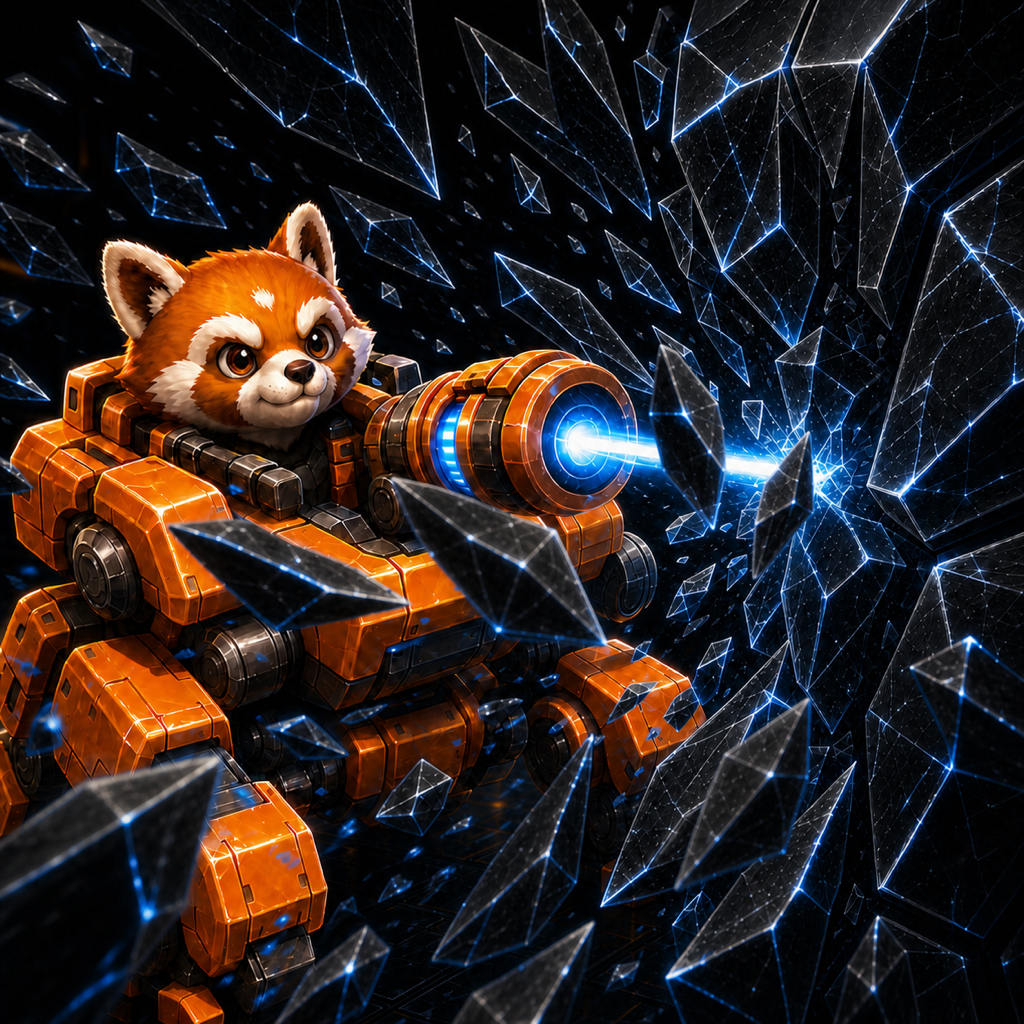
Select a mech whose color matches a block exposed at the bottom of any lane. Once the mech reaches a launch slot, it fires automatically while valid targets remain.
Why is a mech not firing?
The mech keeps its ammo when no exposed block matches its color. Destroy blocks in other lanes to reveal a matching target.
When is the game over?
The game ends only when all five launch slots are full and none of the active mechs can attack an exposed block.
Is my progress saved?
Yes. Coins, the next level, and completed-level rewards are synchronized with your game account. Sound and vibration settings remain on each device.
Can I restore progress after deleting the app?
Open Settings > Account and choose Save Game Data before deleting the app. You can then choose Load Game Data and use the same Apple passkey on another installation.
Does the game need internet access?
Yes. Breakers connects to its account service before gameplay so it can safely synchronize progress.
How do I turn off sound or vibration?
Use the sound button during play, or open Settings to control sound and vibration separately. Your choices are saved on the device.
Report a problem
Email [email protected]. Please include:
- your iPhone model and iOS version;
- the Breakers version;
- the level where the problem occurred;
- what you expected and what happened;
- a screenshot or short screen recording, if possible.